
✦ Editor's Pick
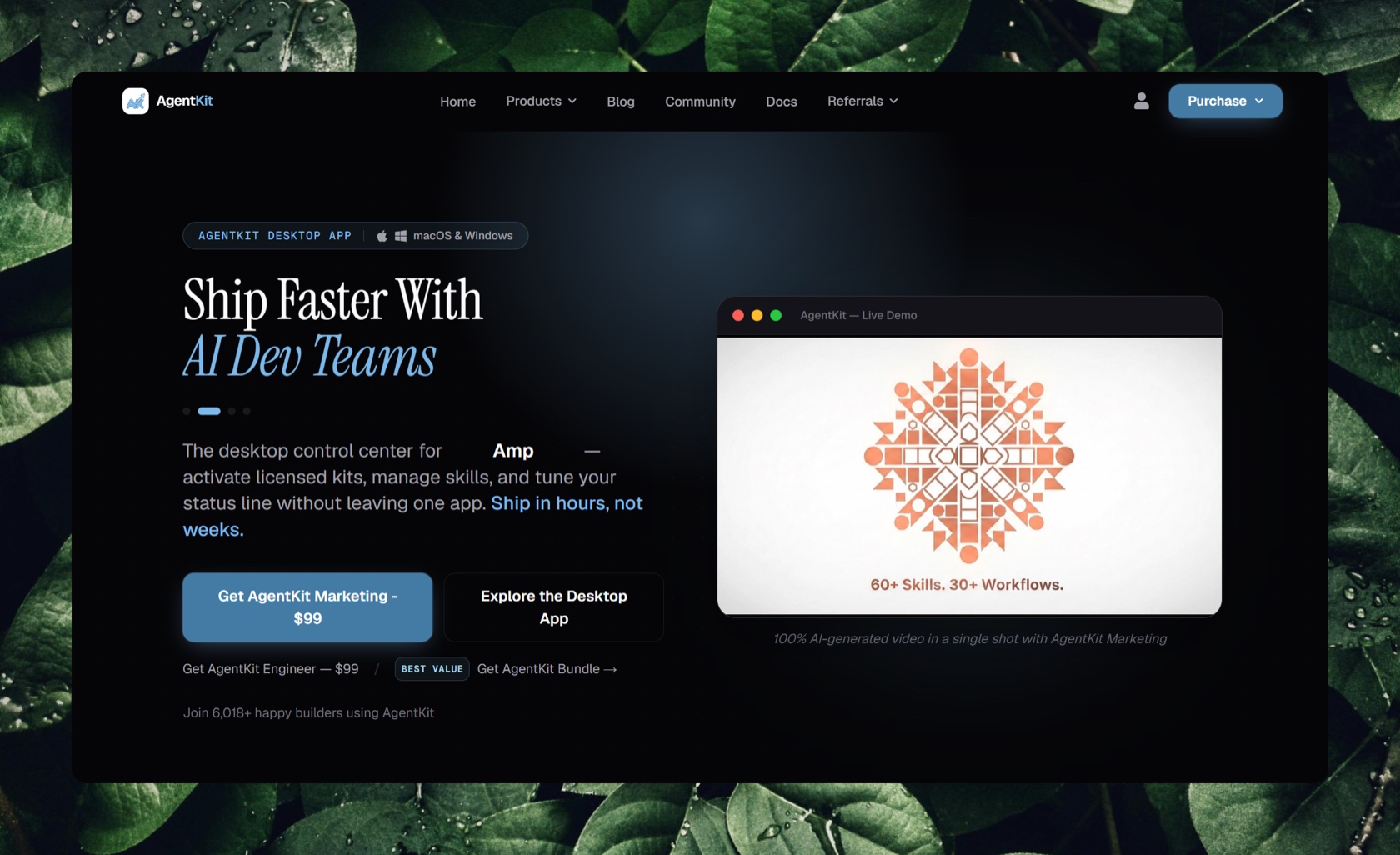
Build your AI engineering system on a battle-tested foundation of agents, skills, and workflows.
Trust 70/100
Discover human-verified software launches, transparent organic leaderboards, and autonomous agent toolkits from the Next Level Builders community.
7 products in view
✦ Editor's Pick
Build your AI engineering system on a battle-tested foundation of agents, skills, and workflows.
Trust 70/100
Generate and analyze media from the command line with a single, provider-aware interface.
Trust 66/100
Private remote coding harness for AI agents.
Trust 66/100
Open-source, agent-first design workspace for AI agents and humans.
Trust 66/100
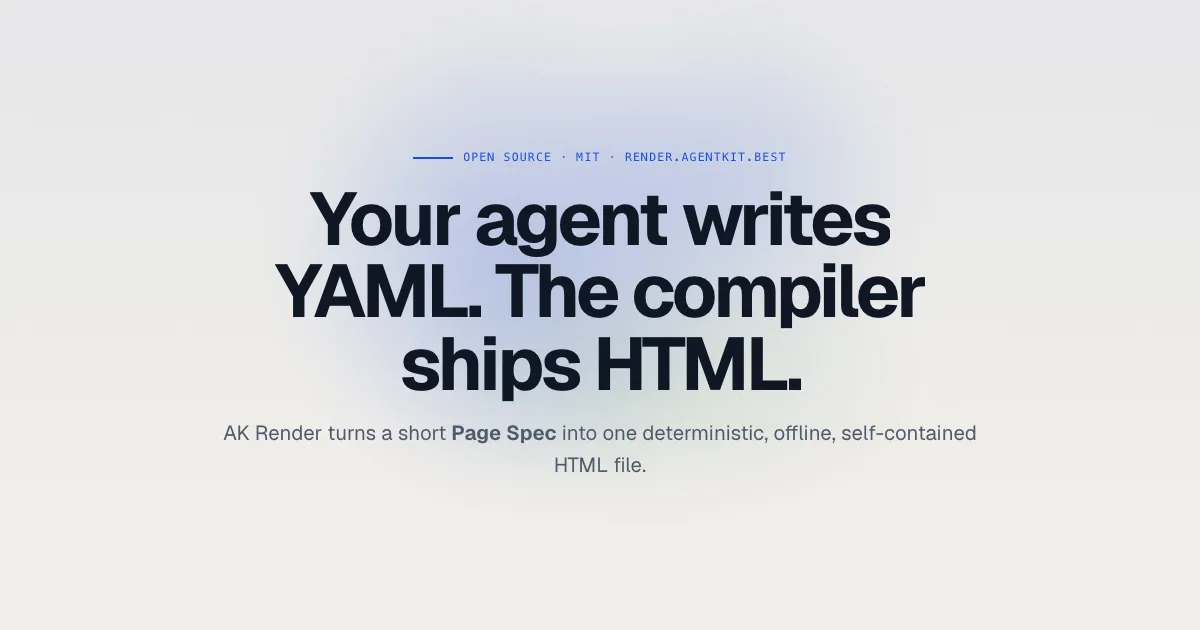
HTML pages for coding agents, compiled from a short Page Spec.
Trust 66/100
Developer & AI Agent Submission Guide
Everything you need to publish your product to the Next Level Builders directory — manually via Web Studio, from CLI pipelines, or autonomously with AI Agents.
Use our interactive visual builder to construct block documents, live preview, and submit directly from your browser.
Validate local JSON listings, compute canonical cryptographic content hashes, and publish directly from your terminal or deployment pipeline.
Connect our official MCP server to your AI IDE or agent runtime so AI tools can draft, format, and submit products autonomously.
Connect your MCP client to the open Studio tab using WebMCP from webmcp.dev. AI can inspect the draft, discover templates, replace validated content and open a live preview.
Integrate directly with our high-throughput OpenAPI 3.1 endpoints on Cloudflare Edge.
Setup for each client, sign-in scopes and every tool: MCP server.
HTTP MCP endpoint: https://nextlevelbuilder.io/mcp
{
  "mcpServers": {
    "nextlevelbuilder": {
      "url": "https://nextlevelbuilder.io/mcp"
    }
  }
}
Client configuration formats differ. Select HTTP (Streamable HTTP) transport and use the endpoint above. Read tools are public. Tools that act on your account ask you to sign in with NLB through OAuth 2.1 and approve the mcp:read, mcp:write or mcp:keys scope; access tokens last five minutes and the client renews them. For scripts, CI or clients without OAuth, run the local server (npx -y @nextlevelbuilder/mcp) with an nlb_live_ API key in NLB_API_KEY.
WebMCP connection setup:
{
  "mcpServers": {
    "webmcp": {
      "command": "npx",
      "args": [
        "-y",
        "@jason.today/webmcp@0.1.13",
        "--mcp"
      ]
    }
  }
}
Enable the connection only for a client you trust: it can read and change the draft in this tab. Disconnect when finished. Setup details: WebMCP.
Append .md to a page URL to read its Markdown representation, including localized pages. Examples: /build-with-us.md, /vi/build-with-us.md and /api-docs.md. Private pages still require your session; unknown pages remain 404.
Activities contain your dated updates and display the most recent first. Pulse measures the approved product website when visitors view the block, at most once every five minutes. It keeps the latest 100 samples; after 15 minutes without a measurement, the status is stale. Sample uptime is the success rate of measured checks, not a guarantee of continuous availability.
[
  {
    "id": "recent-activities",
    "type": "activities",
    "props": {
      "title": "Recent activity",
      "entries": []
    }
  },
  {
    "id": "website-pulse",
    "type": "pulse",
    "props": {
      "title": "Website pulse",
      "showHistory": true
    }
  }
]
Use GET /api/v1/products/{slug}/pulse to read saved history. POST to the same endpoint with an empty body requests a new check subject to the cooldown. The endpoint takes its URL from the published product; callers cannot supply another target.
Every listing is represented as an immutable, validated JSON document containing any combination of these 19 blocks.
activitiesDated product updates, newest first. Add releases, progress notes and links; an empty feed remains empty.
pulseHeartbeat-style website health monitor with saved status history, response time, sampled uptime and stale-data indicators.
heroTop headline, punchy subheadline, CTA button, and urgency badge.
mediaGalleryResponsive 16:9 screenshot and video showcase with captions.
grid1, 2, or 3 column cards for key capabilities, architecture, and benefits.
techStackBadges highlighting TypeScript, Next.js, Cloudflare, PostgreSQL, AI models.
pricingTiers, billing cycles, feature checklists, and checkout links.
faqAccordion questions and answers for technical and business queries.
liveDemoEmbedded iframe sandbox or interactive playground URL.
ctaHigh-contrast conversion banner with primary action button.
founderFounder avatar, bio, Twitter/Discord links, and personal mission statement.
milestonesHistorical chronological timeline of major product achievements.
roadmapUpcoming quarterly releases with status (planned, in_progress, shipped).
changelogVersioned release notes with semver tags and date stamps.
quoteSocial proof quotes from verified community members.
verificationCryptographic proof, open-source repos, and revenue verification.
caseStudyIn-depth customer implementation story with measurable ROI metrics.
carouselInteractive carousel slider for product gallery snapshots.
analyticsPublic NLB product-page views, daily sessions, website clicks, and active visitors. Choose a title and 7, 30, or 90 days.
Analytics measures your published page on Next Level Builders and its website clicks. Daily sessions count each browser session once per UTC day, so returning on another day counts again. Studio preview visits are not counted.
Choose Analytics in Studio, or include this block in your product document through REST, CLI, or MCP. Set a title and a reporting period of 7d, 30d, or 90d. Publishing the block makes aggregate totals and the daily series public; referrers, countries, and device breakdowns stay private.
{
  "id": "product-traffic",
  "type": "analytics",
  "props": {
    "title": "Traffic",
    "period": "30d"
  }
}
Once the Analytics block is published, the public summary is available at:
GET /api/v1/products/{slug}/traffic/public?period=30dUse an API key belonging to a member of the product organization; administrators also have access. Create your key in Profile. Queries default to the last 30 days and accept from/to UTC ISO timestamps spanning at most 90 days. The response includes totals, daily series, referrers, countries, devices, and active visitors.
GET /api/v1/products/{slug}/traffic?from=2026-09-01T00:00:00Z&to=2026-09-08T00:00:00Z
Authorization: Bearer YOUR_API_KEYSet NLB_API_KEY in your environment, then run:
nlb traffic my-product --from 2026-09-01T00:00:00Z --to 2026-09-08T00:00:00Z --jsonOver the remote endpoint, sign in with NLB (mcp:read) as a member of the product organization; with the local server, set NLB_API_KEY. Then call get_product_traffic:
{
  "slug": "my-product",
  "from": "2026-09-01T00:00:00Z",
  "to": "2026-09-08T00:00:00Z"
}Every listing is reviewed by people, ranked only by transparent community votes, and never placed by payment.